Settings
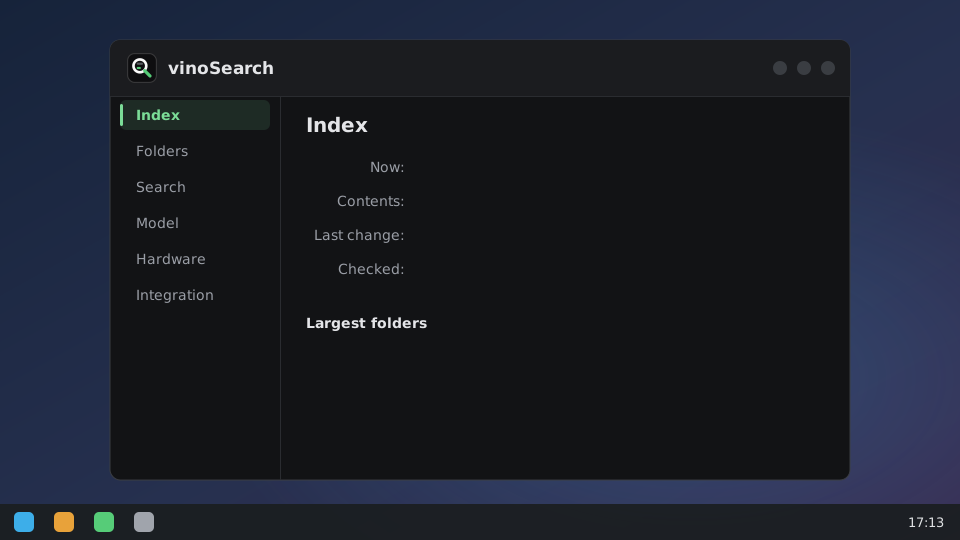
Open vinoSearch from the app menu, or run vinosearch-settings. It shows what’s indexed and lets
you add folders and exclusions, turn images, documents and code on, set how close a result has to be
and pick the editor that opens text results from your installed apps, pick the NPU, GPU or CPU, and
turn KRunner and GNOME search on or off, each on its own. Changes apply within 30 seconds, no
restart. How it works goes through each setting.
On sway or Hyprland, Add folder… needs a file chooser portal (xdg-desktop-portal-gtk provides
one; xdg-desktop-portal-wlr doesn’t); without it, type the path instead.
The config file
Everything the window sets lives in ~/.config/vinosearch/config.toml, if you’d rather edit that:
exclude = ["~/Downloads"]   # never indexed or watched, even under an indexed root
device = "NPU"
idle_unload_minutes = 5     # free the model after this long idle; 0 keeps it loaded
editor = "code"             # opens text results at their line [default: the default app]; or "org.kde.kate.desktop", or "foot -e nvim +{line} {file}"

[formats.text]
min_score = 0.65            # lower it for more, looser results

[formats.images]
enabled = true              # off by default: the vision encoder is a 671 MB download
extensions = ["jpg", "jpeg", "png", "webp", "gif", "bmp", "tif", "tiff", "heic", "heif", "avif"]
min_score = 0.63

[formats.code]
enabled = true              # off by default; found only by queries starting "code:"
min_score = 0.72
Flags and environment variables override the file. Package trees like ~/snap, ~/go/pkg and conda
installs are excluded by default; what gets indexed has the list.